More than 90% of consumers read local business reviews before they buy. That makes a strong online reputation a daily sales priority for American businesses. Yet even happy customers often forget to share feedback after they leave.
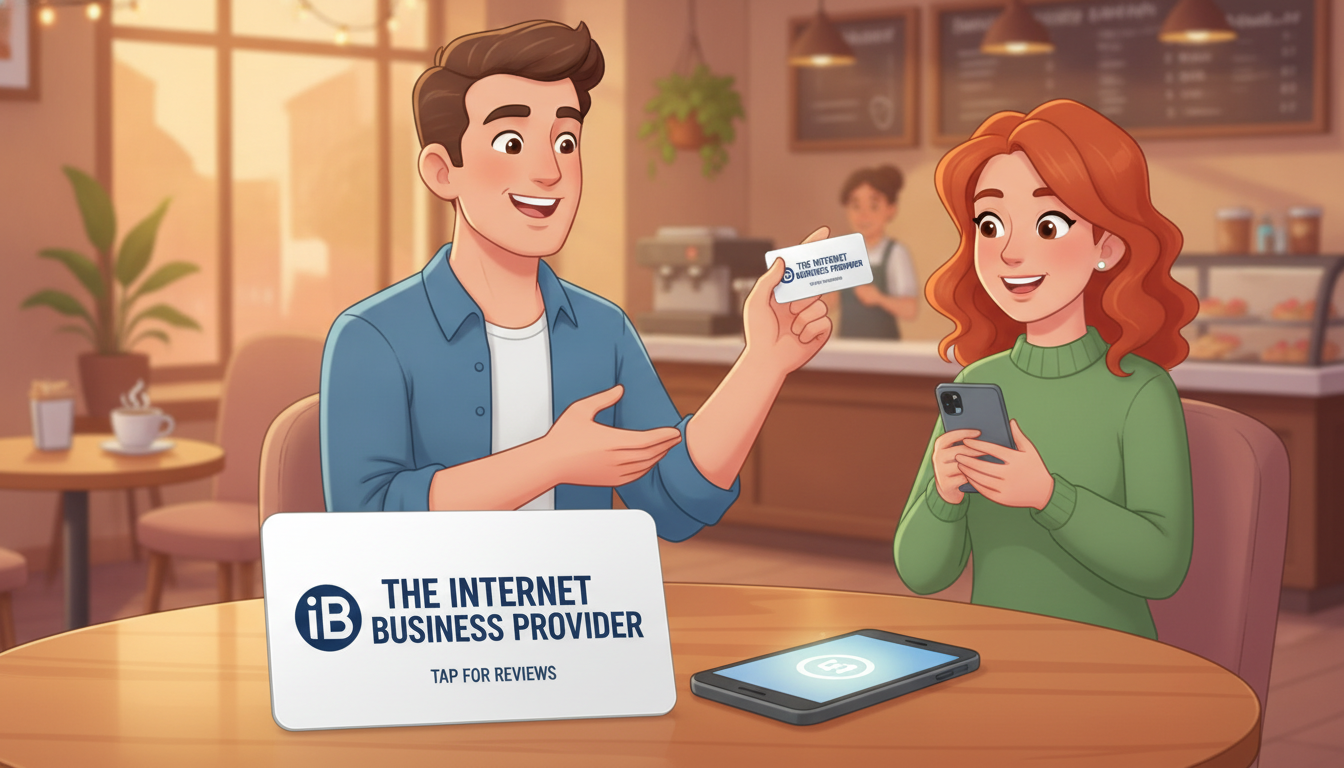
Internet Business Provider (IBP) offers a practical fix. Its physical product shortens the path from customer satisfaction to a completed Google review. Instead of asking people to search, sign in, and navigate several screens, you invite them to tap at the counter.
Google’s local map system values fresh reviews, steady volume, and review velocity. A repeatable request process helps businesses build that activity at the point of interaction. The “Don’t Ask, Just Tap” approach feels simple, fast, and less intrusive than verbal reminders, receipts, or follow-up messages.
The source market lists a sale price of LE 899, reduced from LE 1,050, and reports 183 customer reviews. Digifeel also reports a 4.8 rating from more than 452 reviews across 115 countries, showing strong demand for quick reputation tools.
Key Takeaways
- Most shoppers check local feedback before making a purchase.
- IBP reduces friction at the moment of customer satisfaction.
- A quick tap supports steady review activity.
- The process avoids extra searches and follow-up work.
- Current pricing includes a listed sale of LE 899.
Why Review Friction Costs Local Businesses Customers
Happy buyers often leave with good intentions, yet small delays can stop useful feedback. More than 90% of consumers read local business reviews before a purchase, so missed comments can affect future choices.
Printed receipts, verbal requests, and follow-up emails add manual steps. A customer must unlock a phone, open a browser, find the correct page, sign in, and submit a Google review. After spending time searching, many people postpone the task for days or forget it.
The Gap Between Customer Satisfaction and Completed Reviews
The problem usually involves friction, not dissatisfaction. Digifeel reports that 93% of smartphone owners have a Google account through services such as YouTube, Gmail, or Google Maps. Still, the business must maintain an active Google Business Profile before customers can post feedback.
How Recency, Volume, and Velocity Influence Local Visibility
Google’s local map system considers recency, volume, and velocity. Consistent activity can support visibility more than occasional bursts. A clear process helps a business collect authentic Google reviews at useful times.
| Friction point | Customer action | Likely result |
|---|---|---|
| Receipt request | Save and scan later | Task gets forgotten |
| Verbal request | Search without a direct path | More drop-offs |
| Direct access | Open the correct page | Faster completion |
How NFC Review Cards Make Feedback Easier
A useful feedback tool should remove effort at the checkout. IBP combines contactless access with a printed QR option, giving customers a clear path from a finished purchase to the right destination.
Tap From a Phone to Open the Review Page
About 90% of smartphones support NFC technology. Customers with compatible phones can tap the product and open the configured page without downloading an app. The chip shares a link only; it does not collect or store personal information.
QR Code Access for Customers Without NFC
A visible QR code supports every modern phone. Digifeel states that 100% of smartphones can scan QR codes. This fallback keeps the process simple for each customer, regardless of device type.
A Faster Path From Purchase to Google Review
Digifeel says users can reach the Google review page and submit feedback in about three seconds. Place the tap card near receipts, menus, counters, or checkout areas. The shorter journey turns a positive moment into timely business feedback.
| Access method | Customer action | Main benefit |
|---|---|---|
| Contactless chip | Tap a compatible phone | Instant link access |
| Printed QR code | Scan with any smartphone | Broad device support |
| Checkout placement | Act after purchase | Less delay and forgetfulness |
What Is an NFC Review Card?
An NFC review card is a physical item with a Near Field Communication chip. A customer taps a compatible phone to open a chosen feedback page. This simple technology connects an offline business touchpoint with an online destination.
The chip shares a link to a contact page. It does not collect or store personal information. Customers need no app, login tool, or software subscription to use it. The product differs from a generic business card because its embedded hardware guides users toward a selected review destination.
Digifeel presents its comparable item as a one-time purchase with no monthly fees. It may also include a 30-day risk-free trial with a full refund. IBP should display its own terms clearly before an order is placed, so buyers understand pricing, delivery, and returns.
| Feature | How it works | Business value |
|---|---|---|
| Contactless chip | Shares a selected link | Reduces customer effort |
| Printed design | Fits a counter or checkout | Supports a professional experience |
| One-time pricing | No monthly software fee | Makes hardware costs easier to assess |
How the IBP Tap-to-Review Experience Works
The path from a completed purchase to public feedback takes only a few simple actions. IBP gives customers a clear choice at the counter: tap a phone on the embedded chip or scan the printed code.
Customers Tap or Scan the Card
An Apple or Android phone can tap NFC on the contactless chip. Customers can also scan the QR code with their camera. No separate app is needed, which keeps the process familiar and quick.
The technology shares the configured link only. It does not collect or store personal information through the chip. That gives the customer a direct and simple way to share feedback.
The Google Review Page Opens Instantly
After the tap or scan, the Google review page opens without a business search. Customers do not need to move through several menus or find the correct listing. This direct route helps more people finish their reviews while the experience remains fresh.
Digifeel describes the full journey as taking about three seconds. Actual submission time depends on the customer, but the tap card removes most delays at checkout.
Built for Counters, Checkouts, and Customer Touchpoints
At a busy storefront, every detail shapes the customer experience. A compact, branded item can make the request feel natural without adding work for staff or shoppers.
Durable Credit Card-Sized Design
Measuring 85mm by 54mm, this credit card-sized format fits beside payment terminals, receipts, and checkout materials. The durable PVC or bamboo build supports repeated daily handling at a busy counter.
An embedded NFC chip sits inside the card, while a QR code appears on its surface. Customers can tap or scan the same product with the device they already use. Unlike disposable paper requests, a reusable tap card can stay in place for months or longer, depending on care.
Branded Printing for a Professional Customer Experience
Full-color printing displays your logo, brand colors, and selected message. This finish helps the review card look intentional rather than like an afterthought. It may also complement a business card, menu, or in-store sign.
- Place it near checkout and payment terminals.
- Keep it visible at reception or service desks.
- Position it at product handoff points.
- Use consistent branding across all customer touchpoints.
Durability supports reliable use, but it does not guarantee more feedback. Clear placement and a positive customer moment still matter.
Google Review Card Compatibility and Customer Requirements
Before adding this item to a checkout area, confirm that each part of the customer journey works. About 90% of smartphones support NFC technology, while every smartphone can scan the printed code, according to the source.
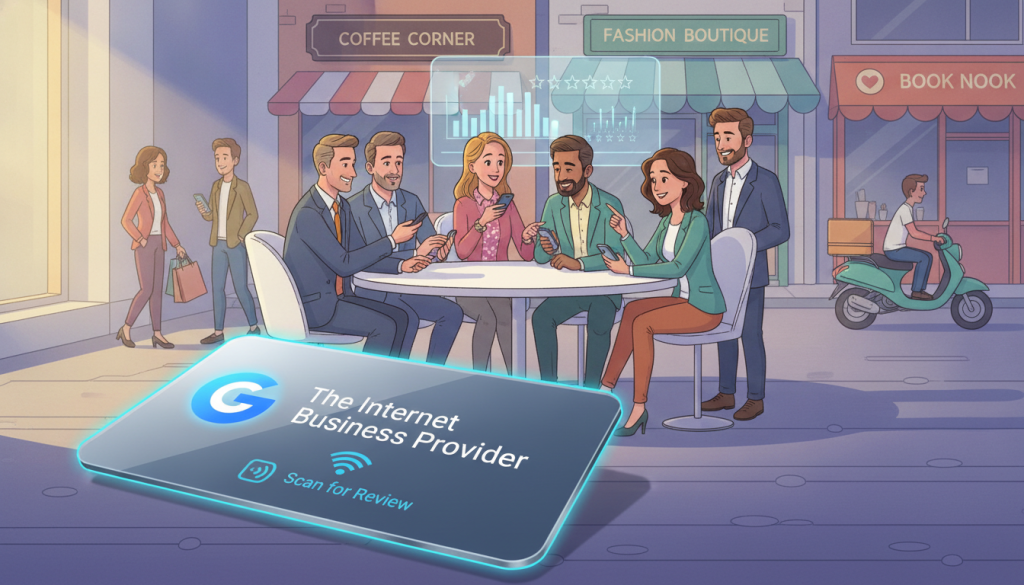
Customers can tap NFC to open the selected Google page. They may also scan the code with a phone camera. A successful tap does not guarantee a completed Google review. The customer still needs a Google account to post feedback.
Most users already have one through Gmail, YouTube, or Google Maps. Reports estimate that 93% of smartphone owners have account access. The business must also maintain an active Google Business Profile before placing an order for a Google-focused product.
- Test the setup on both Apple and Android phones.
- Confirm the QR path opens the correct listing.
- Check account access before customer use.
- Verify the profile name and location.
| Requirement | Customer or business action | Purpose |
|---|---|---|
| Phone access | Tap or scan | Opens the correct page |
| Google account | Sign in before posting | Enables Google reviews |
| Business Profile | Keep the listing active | Receives customer feedback |
Customize Your Review Link Without Reprinting
Your reputation strategy can change as your business grows. IBP makes that shift easier by letting one physical card connect customers with the platform that matters most right now.
The destination can lead directly to Google, Facebook, or Trustpilot. This gives you flexibility to focus on the channel that supports your current goals. Customers can tap or scan the code and reach the selected review page with fewer steps.
Connect Customers to Google, Facebook, or Trustpilot
A single card can support different reputation plans. A local shop may favor Google, while a growing service brand may build Trustpilot activity. Facebook can also help businesses engage customers through a familiar platform.
Update the Destination as Your Business Grows
You can change the active link at any time without reprinting your cards. That reduces waste and avoids disruption when you add locations, services, or new customer channels. The physical product keeps its value over time.
- Review the active destination from time to time.
- Confirm the page opens correctly on Apple and Android devices.
- Move customers to the platform that fits your current strategy.
Regular checks help every tap reach the intended feedback destination.
Turn More Positive Experiences Into Public Reviews
A satisfied customer may want to share an experience, but the chance fades when the request feels like work. Place the tap card near checkout while the interaction remains fresh. A quick path opens the Google review page and gives people a clear next step.
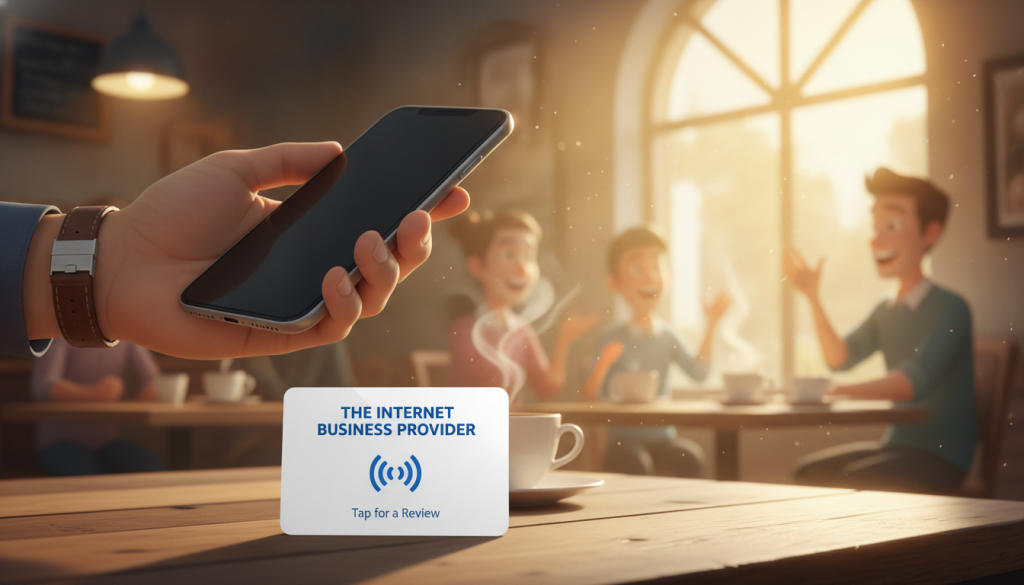
Digifeel states that its process can take about three seconds. Treat that figure as an example of lower friction, not a promise of results. Easier access may help a business capture timely feedback, yet outcomes vary by audience, service, and location.
“Double your monthly Google Reviews in 30 days or your money back.”
This is a third-party marketing claim from Digifeel and requires independent evaluation. Digifeel also reports a 4.8 rating from more than 452 reviews. Businesses should invite honest opinions, not ask only satisfied buyers or block negative comments.
- Invite feedback after a genuine positive interaction.
- Keep the request optional and simple.
- Use a consistent tap-based process across customer touchpoints.
- Track activity without promising a fixed number of responses.
Over time, an open and steady approach can support credible public feedback on the platform that best fits the business.
Simple Setup, Ordering, and Delivery With IBP
Getting a branded product ready for your storefront can be straightforward. Start by sharing your logo, brand colors, and preferred platform with IBP. You can select a Google review card, a business card design, or another destination that fits your goals.
Share Your Logo, Colors, and Review Platform
IBP configures the link for your chosen page. The source also describes app setup in about 20 seconds. A customer can tap NFC or scan the printed code without downloading an app.
Approve Your Card Design Before Production
A design proof arrives within 24 hours. Check the logo, colors, wording, and destination before approval. Approved cards leave the workshop within 48 hours, while orders take 24–48 business hours to process.
Plan for Shipping and Delivery Across the United States
For U.S. buyers, shipping and final delivery usually take 4–7 business days after processing and dispatch. UK, Australian, and Canadian delivery takes 5–8 business days. International delivery takes 5–9 business days.
This one-time purchase model supports planning around a checkout launch. The current sale price, shipping terms, and delivery schedule may change, so confirm each detail with IBP before placing an order.
Why NFC Review Cards Belong in Your Local Reputation Strategy
Local reputation grows through steady service, clear follow-up, and easy ways for customers to respond. An IBP review card adds one repeatable step to that process. It can support Google Business Profile work without replacing genuine customer care.
A branded item may stay visible longer than a disposable request. Furniture Village CEO Charlie Harrison said his card remained in a customer’s phone for six months. That lasting presence can keep your business in mind after the visit.
Contactless tools also support wider business goals. AFC Bournemouth’s Rob Mitchell linked three October retainers to cards used at one industry dinner. Chris Price of Stage Engage said customers ask about the product before introductions. These comments show potential, not guaranteed results.
- V1CE lists SpaceX, Rolex, Cartier, Formula 1, and Global Jets among its users.
- HubSpot, Salesforce, and Pipedrive integrations can connect outreach with CRM records.
- Qilmar reported three times more contacts at its first event with V1CE.
- Tap NFC to open a Google review card in seconds.
Whether purchased during a sale or at standard pricing, this credit-sized business card can fit counters, events, and service desks. Check sale terms, link settings, and privacy details before ordering.
Conclusion
An easier reputation workflow starts when a customer finishes paying. An IBP card links that moment to a Google review page through tap NFC or a QR scan. Customers still need a Google account, and your eligible Google Business Profile must remain active.
The durable design supports branded cards as your company grows. You can update the destination without reprinting, whether you need Google reviews, Facebook feedback, or Trustpilot responses. A direct NFC Google path keeps the experience simple.
- Confirm production and order processing before purchase.
- Check current sale pricing, shipping, and delivery times.
- Allow several days for shipping and final delivery.
Visit the IBP product page to compare customization options, confirm shipping and delivery details, and add a tap-based request to an active customer touchpoint. A clear order today can help make honest feedback easier to share.