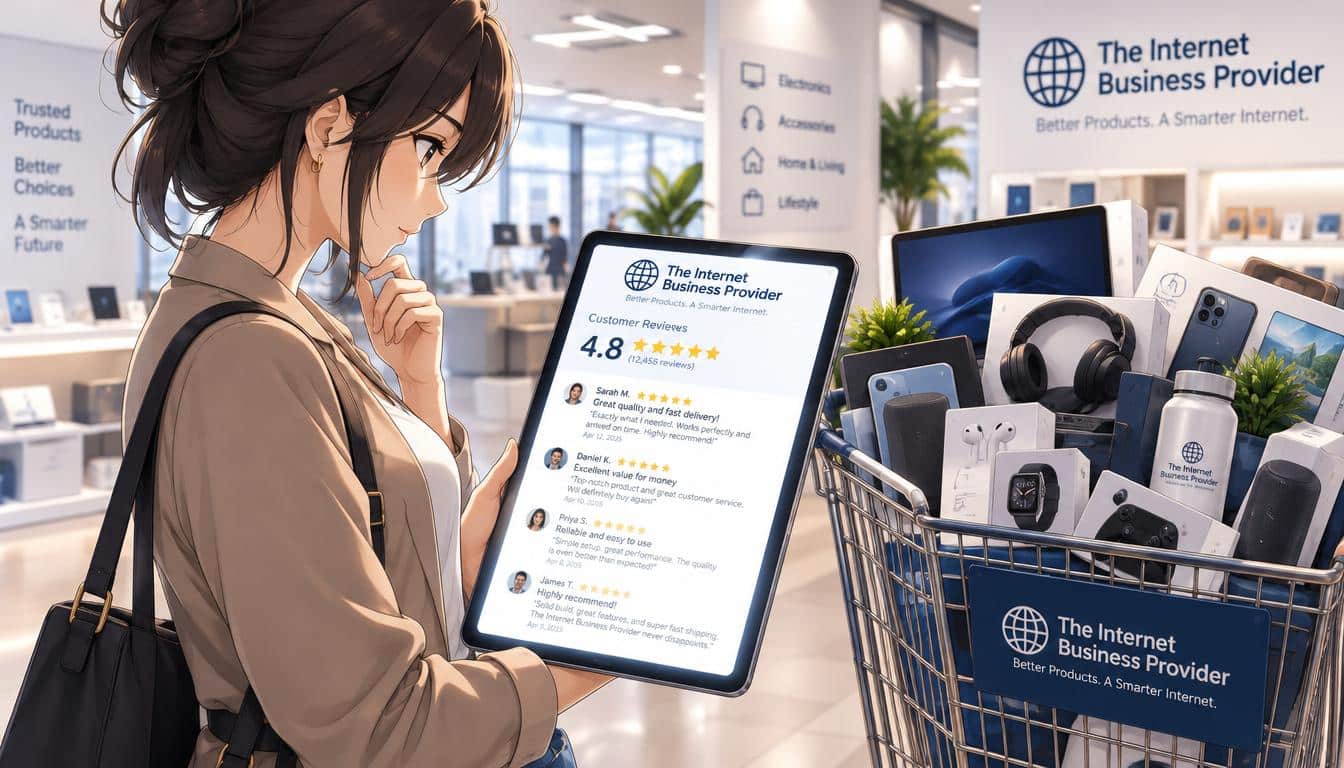
A shopper adds a product to their cart, then pauses to check your reviews. If they find unanswered complaints or repeated concerns, they may leave before buying.
Negative or unanswered feedback can weaken shoppers’ confidence and contribute to cart abandonment, but it is only one possible cause. Reviews don’t explain every abandoned cart, but they can shape the trust customers bring to checkout. Learn how to respond to feedback and make your website feel more reassuring when it matters.
Questions about product quality, service, shipping, or returns can turn a promising visit into a pause. Clear, practical responses can help, alongside improvements to costs, checkout, and product information.
Treat review concerns as a signal to investigate, not proof that every cart was ready to convert.
Key Takeaways
- Reviews can shape trust, but they do not explain every abandoned cart.
- Answer complaints calmly and keep private order details out of public replies.
- Make checkout steps, total costs, delivery, and return terms easy to understand.
- Use recurring feedback to improve product information and business operations.
- Measure your own checkout drop-offs before choosing what to change.
What the Cart Abandonment Rate Measures
A cart abandonment rate measures the share of created carts that do not turn into completed purchases in the same period. Use one consistent window and calculate the rate as 1 minus completed purchases divided by carts created during that period.
The rate includes people who were never ready to buy, so it is not a count of guaranteed lost sales. In 2026, the average ecommerce cart abandonment rate across 50 studies was 70.22%. A 2026 survey found that 42% of U.S. online shoppers had abandoned a cart because they were browsing or not ready to buy.
A cart used to browse or save items is not automatically a recoverable sale.
Among non-browsing abandoners in 2026, extra costs and slow delivery were common barriers. Some shoppers also left when checkout demanded an account or took too long.
| Reason | Share | What the shopper encountered |
|---|---|---|
| Extra costs | 40% | Added costs at checkout |
| Slow delivery | 20% | Delivery that felt too slow |
| Required account creation | 18% | Account required to check out |
| Long or complicated checkout | 17% | Too many steps or confusing process |
These percentages describe people who abandoned for reasons other than browsing, not all shoppers who left a cart. Compare periods using the same definition and measurement window so the rate stays meaningful.
Bad Reviews and Cart Abandonment: Where Trust Breaks
A shopper who finds a specific complaint without a useful reply has less evidence that the business will resolve a similar problem. Specific feedback can raise doubt about both product quality and the service a customer might receive.
Reviews can affect confidence at different points in the buying journey, but they are not the sole cause or cure for cart abandonment. Product ratings and comments matter on product pages, where shoppers judge whether an item will meet their needs.
Near checkout, complaints about shipping or customer service may prompt a shopper to question whether the order will arrive as promised. Return concerns can matter when a customer weighs the risk of buying an unfamiliar product or brand.
In 2026, 19% of U.S. online shoppers who abandoned for reasons other than browsing cited not trusting the site with their credit card information. In the same year, 42% of buyers said they were more likely to abandon when product pages showed no ratings, low ratings, or negative reviews.
An unanswered complaint can leave practical questions unresolved: Was the issue fixed? Does it affect other orders? A respectful response can show accountability without dismissing the customer’s experience.
Look for repeated, specific concerns rather than judging trust from a single comment.
Respond to Reviews With Calm, Specific Follow-Up
A useful public response names the concern and the next action without arguing with the reviewer. Calm, clear replies can show shoppers that your brand takes feedback seriously.
Acknowledge the stated problem, share only accurate details, and offer a practical next step. Google Business Profile and Yelp are examples of platforms where you can monitor customer reviews.
Address the concern in a public reply
Answer the issue the customer actually raised. For a 1-star complaint about delivery, acknowledge the delivery problem rather than posting a generic apology about the whole experience.
Do not speculate about what happened or promise a fix you cannot deliver. If you can verify a relevant fact, state it plainly and explain what the customer can expect next. A short response is often easier for shoppers to trust than a long defense.
Move order-specific details into private follow-up
Invite the customer to continue through a private channel when resolving the issue requires an order number, account information, or other personal details. Keep the public reply focused on the concern and your willingness to help.
After moving the conversation, follow through on the solution you offered. A public promise that receives no private follow-up can create more doubt than a brief reply alone.
- Acknowledge the issue the customer described.
- State what you can verify.
- Offer a clear next step.
- Follow up privately where needed.
Before posting, remove personal or order details that should not appear in public.
Make Checkout Clear, Secure, and Easier to Finish
A checkout should let a customer understand what to enter, what happens next, and how to complete payment. Clear steps reduce uncertainty when a shopper is ready to buy.
Remove avoidable work and make payment errors easy to understand and fix. In 2026, among U.S. online shoppers who abandoned for reasons other than browsing, 17% cited website errors or crashes, 10% a declined credit card, and 9% too few payment methods.
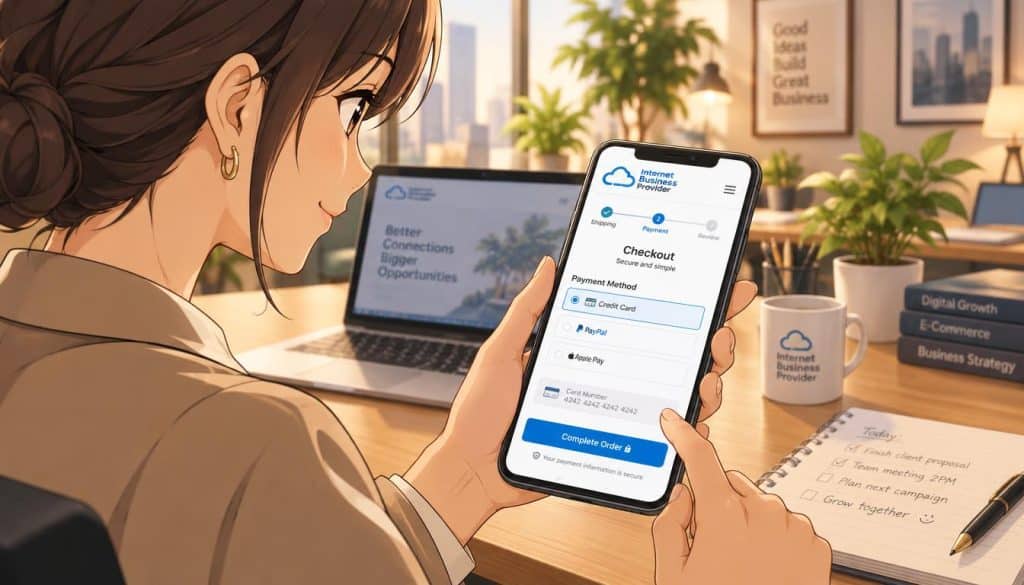
Remove unnecessary checkout steps
Offer guest checkout so customers do not need to create an account before ordering. Keep forms concise, use labels that explain each field, and avoid asking for information that is not needed to complete the sale.
Test the full experience on a phone, including typing into fields and moving between steps. A checkout benchmark places an ideal flow at 12-14 form elements, including 7-8 fields, while the average U.S. checkout displays 23.48 elements by default. Treat that comparison as a sign of possible friction, not a guaranteed target for every store.
Make payment and error handling reassuring
Show available payment choices early enough for shoppers to know they can use a preferred method. If a card is declined, explain the problem in plain language and suggest a next step, such as checking the details or trying another method.
Use credible security cues near payment fields, where reassurance is useful. Keep the checkout uncluttered so trust signals do not compete with the task at hand.
- Guest checkout
- Shorter forms
- Mobile testing
- Readable error messages
- Visible payment choices
Test a failed-payment path as carefully as a successful one so customers can recover without starting over.
Make Costs, Delivery, and Return Policies Easy to Find
A customer should be able to check the expected total and delivery terms before reaching the final payment step. Upfront details help shoppers decide with fewer surprises.
Show shipping charges, taxes, fees, delivery estimates, and return terms before a shopper commits. In 2026, among U.S. online shoppers who abandoned for reasons other than browsing, 12% cited being unable to see or calculate total order cost upfront, and 13% cited an unsatisfactory returns policy.
Put the details where customers can use them while deciding: on relevant product pages, in the shopping cart, and in a clear returns policy. Delivery estimates should match the service you can provide, not simply the fastest possible arrival.
Google recommends a general return-policy page. MerchantReturnPolicy structured data can support the display of return-policy information alongside products and in Search knowledge panels, but it does not guarantee a Search display.
The structured data does not need to appear on every page. Keep the dedicated policy page easy to locate, and make its terms readable enough for a customer to understand before ordering.
Check the product page, cart, and policy page for conflicting delivery or return details.
Keep Product Information Accurate and Learn From Feedback
A shopper is more likely to trust a product page when its details match what the business actually sells and delivers. Accurate product content helps customers judge whether an item fits their needs.
Keep product details complete, accurate, and consistent with the landing page. In 2026, 38% of consumers said inconsistent product information affected their decisions, while 34% said incomplete or poorly written content was a dealbreaker.
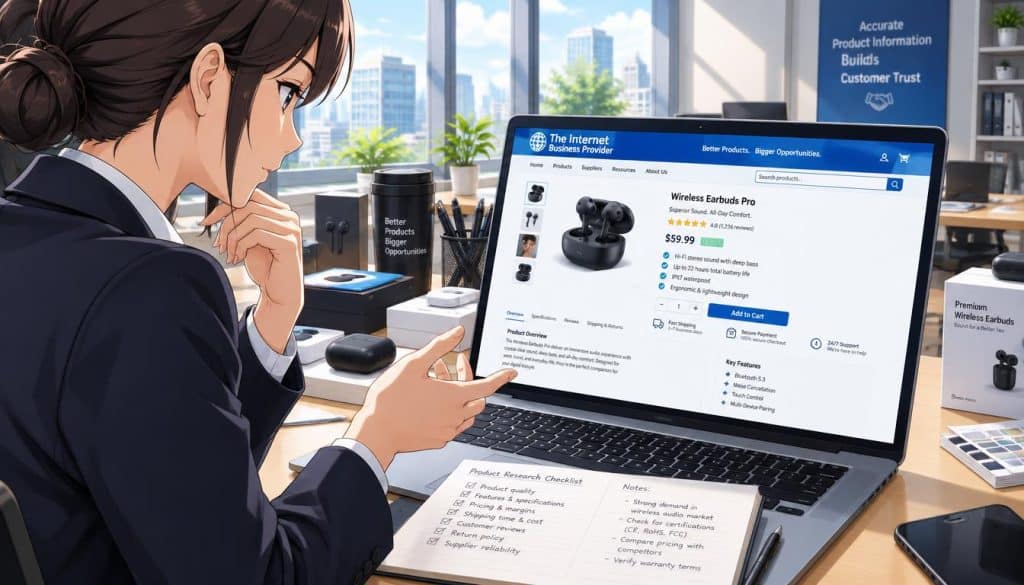
Match product details across your site
Google Merchant Center allows product titles up to 150 characters and descriptions up to 5000 characters, and it requires both fields. Titles should accurately describe the product and match the landing-page title.
Inaccurate, missing, or inconsistent product information can lead to disapprovals, limited eligibility, or incorrect displays in Merchant Center. Clear images and video also matter: in 2026, 33% of consumers said they would go elsewhere for missing or low-quality images or video.
Stock details should be current, too. In 2026, 29% of customers said they would leave when a product was out of stock, so stale availability can waste a shopper’s time and weaken confidence.
Turn recurring complaints into improvements
Monitor review platforms and group feedback by the problem customers describe. Do not hide legitimate criticism or change authentic reviews; use repeated comments to identify what needs attention.
- Product quality
- Service
- Shipping
- Returns
- Stock availability
Repeated product concerns may call for clearer page details, while delivery or service themes may point to operating issues. Return complaints can show where policy language leaves shoppers unsure.
Assign an owner to check each repeated complaint theme and record the specific change made in response.
Find the Biggest Checkout Drop-Offs Before Choosing a Fix
A broad checkout benchmark can reveal a widespread usability problem, but it cannot tell you where your own shoppers are leaving. Your own funnel data shows which checkout step deserves attention.
Use step-level drop-off, brief customer feedback, and session reviews to locate friction on your site. In a 2026 checkout usability benchmark, 59% of leading U.S. and European desktop sites and 59% of leading U.S. and European mobile sites had mediocre-or-worse checkout UX.
| Experience | Share with mediocre-or-worse checkout UX | Benchmark population |
|---|---|---|
| Desktop sites | 59% | Leading U.S. and European sites |
| Mobile sites | 59% | Leading U.S. and European sites |
| Ecommerce apps | 60% | Ecommerce apps |
Use the benchmark as context, not a diagnosis. Track how many users reach each checkout step and where they leave, then compare the pattern across the same time periods.
Fix the most consequential friction you can see on your own site, not the problem an industry average makes easiest to notice.
Ask one brief exit question, such as what prevented the customer from finishing. Review sessions that ended before purchase to see where users hesitated, encountered an error, or stopped moving through checkout.
Use those signals together to choose a change with a clear connection to the drop-off. Compare the same checkout step before and after one change to see whether the drop-off shifts.
Conclusion
Trust grows when a business treats customer feedback as useful evidence and makes the buying experience clearer. Review management can help, but it cannot guarantee sales or eliminate every abandoned cart.
The Internet Business Provider (IBP) can be a knowledgeable digital partner as you strengthen your online presence, build trust, and improve the website experience. Start with the page where customers face the clearest obstacle, then measure whether your change helps.
Ask IBP to review your highest-friction page and agree on one measurable experience improvement to test first.