

When was the last time you clicked every single link on your website? If the answer is ‘Never,’ you might be in trouble.
Imagine walking into a store, asking for a product, and the clerk just stares at you silently. That’s what a 404 Error feels like to your customers. Broken links can make your website seem like a digital ghost town. This can scare away potential customers and harm your online image.
Keeping your website updated is key for a smooth user experience. It also makes sure your seo strategy works well. A well-kept website is vital for search engine optimization.
Key Takeaways
- Broken links can negatively impact customer experience.
- Regular website updates are crucial for a seamless user experience.
- A well-maintained website is essential for search engine optimization.
- A 404 Error can drive away potential customers.
- An effective seo strategy is vital for online presence.
The Silent Customer Experience Killer
Behind a strong website, a silent killer waits. It’s not a cyberattack or data breach. It’s the 404 error.
What Exactly is a 404 Error?
A 404 error means the server can’t find a webpage. It happens when link rot or website changes occur without redirects.
Technical Definition and Common Triggers
A 404 error happens when a URL is removed, renamed, or invalid. Common reasons include:
- Renaming or deleting files without setting up redirects
- Changing website platforms or CMS without maintaining URL structures
- External sites linking to outdated or removed content
How Users Experience 404 Errors
Users get a confusing message when they see a 404 error. This can make them frustrated, increase bounce rates, and harm the brand’s reputation.
The Digital Equivalent of Poor Customer Service
A 404 error is more than a glitch. It’s like a store closing without notice. It shows a lack of care for the user’s experience, hurting the brand.
Understanding “Link Rot”: The Digital Decay Process
If you’re not keeping up with your website, it’s turning into a ghost town online. “Link rot” is when links on your site start to fail, making it hard for users and hurting your search rankings.
How Links Break Down Over Time
Links can break for many reasons. As the web changes, URLs shift, content moves, and links that worked before now lead nowhere.
Common Causes of Broken Links
Several things cause link rot. These include:
External Website Changes
When other sites change their URLs or remove content, your links to them break.
Internal Content Restructuring
Changing your site’s layout can break links if not done right.
File Renaming and Deletion
Changing or deleting files on your site can break links if they’re referenced elsewhere.
Using a broken link checker can spot these problems early, preventing harm to your site.
The Cumulative Effect on Your Website
| Cause | Effect |
|---|---|
| External Website Changes | Lost Referral Traffic |
| Internal Content Restructuring | Poor User Experience |
| File Renaming and Deletion | Broken Navigation |
Having a solid website maintenance plan with regular checks and updates can fight link rot. Also, using technical SEO keeps your site optimized and link-friendly.
The Real Business Cost of Dead Links
Dead links on your website can cost a lot, affecting sales and trust. They are more than a problem; they’re a big threat to your business’s money health.
Lost Sales and Conversion Opportunities
When a customer clicks on a dead link, you miss a sale. This loss affects not just the immediate sale but also future loyalty and repeat business.
Here are some stats:
- 40% of users will leave if a website takes more than 3 seconds to load.
- 77% of online shopping carts are abandoned.
- A single broken link can cost you a customer and harm your brand.
Wasted Marketing Budget
Your marketing budget is for more than just getting visitors. It’s about turning those visitors into buyers. Dead links waste your budget by not using the traffic you’ve worked for.
Good marketing means a smooth user experience, not just more visitors.
Customer Trust Erosion
Customer trust is delicate and can be lost easily. A broken link can damage that trust, making people doubt your professionalism and detail.
First Impression Damage
Your website is often the first thing people see of your business. A broken link can make a bad first impression, pushing visitors away before they see your content.
“A broken link sends a loud message: ‘We don’t care about the details.'”
Repeat Visitor Frustration
For regular visitors, broken links are even more annoying. It shows you don’t care about the user experience, which can lose loyal customers.
Fixing dead links helps avoid lost sales and wasted marketing. It also keeps your customer trust and reputation safe.
User Experience Nightmares: The Journey Through a Broken Website
Broken links on your website can lead to a cascade of negative user experiences. This starts with frustration and disappointment. When users find a broken link, it disrupts their flow and can harm their view of your brand.
The Frustration Factor: Psychological Impact on Visitors
The psychological impact of broken links on visitors is significant. It can make your website seem abandoned, sloppy, or closed to potential customers. Users expect a smooth experience when browsing a website, and broken links ruin this.
Frustration grows when users can’t find the information they need. This frustration can harm your brand’s image, possibly pushing customers away.
Bounce Rate Explosion: How Fast Users Leave
When users hit a broken link, they often leave your site fast. This leads to a bounce rate explosion, hurting your website’s performance. A high bounce rate tells search engines your site might not be user-friendly.
The quicker users leave, the less chance you have to turn them into customers. This lost chance can hurt your profits.
Cross-Device Complications: Mobile vs. Desktop Experiences
Broken links can make the user experience worse on different devices. Whether on mobile or desktop, a broken link messes up their journey. It’s key to keep the experience the same on all devices for better user engagement.
With more people using different devices, making sure your website works well on all platforms is crucial.
Brand Perception: What Broken Links Say About Your Business
Broken links can harm your brand’s online image. They can make your business seem unprofessional or abandoned to visitors.
The Abandoned Store Effect
Picture walking into a store with broken doors and empty shelves. You wouldn’t stay, right? Your website is the same. Broken links give the impression of neglect, making visitors feel like they’re in an abandoned store. This can lose you customers and hurt your sales.
Professionalism and Attention to Detail
A website with broken links shows a lack of professionalism and attention to detail. Visitors expect a smooth experience. Errors make them question your quality.
How Visitors Judge Your Business in Seconds
In today’s fast world, visitors judge your business quickly. Broken links can push them away. It’s key to keep your website well-maintained and free of broken links to impress and keep visitors interested.
Fixing broken links does more than fix tech issues. It protects your brand’s reputation and keeps your online presence professional. This attracts and keeps customers.
The Hidden SEO Penalties of Broken Links
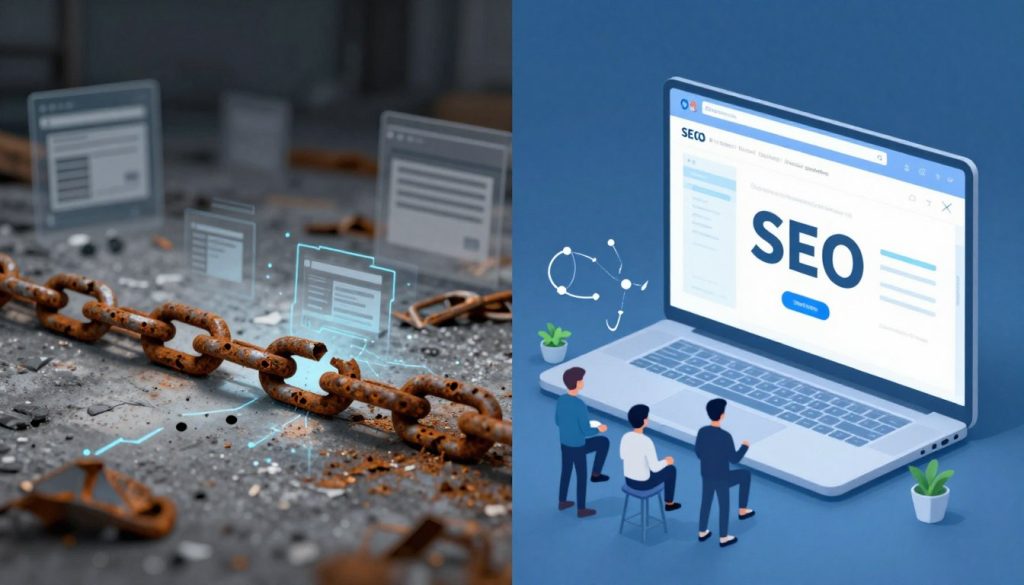
Google’s algorithms look for websites that offer a smooth user experience. Broken links can make this hard. They can lead to lower search engine rankings.
How Google Evaluates Site Quality
Google checks site quality in several ways. It looks at user experience and how fresh the content is.
Core Web Vitals and User Experience Signals
Google’s Core Web Vitals measure how well a webpage works. Broken links don’t directly affect these metrics. But, they can make the user experience worse. A website with many broken links may seem neglected or outdated to Google.
Content Freshness Indicators
Google values fresh content a lot. Broken links can make search engines think your content isn’t updated. This can lower your site’s visibility in search results.
Crawl Budget Waste
Broken links waste crawl budget. Search engines have a budget for crawling websites. When they find many 404 errors, they spend this budget on nothing. This can mean important pages get missed, affecting your site’s indexing and google rankings.
The Impact on Your Search Rankings
Broken links can hurt your site’s rankings in many ways. Regular SEO audits can find and fix these problems. Keeping your links healthy and content fresh can boost your site’s ranking.
It’s key to check your website for broken links often. Fixing them quickly helps your site’s user experience. It also keeps your SEO efforts strong by saving crawl budget and keeping content fresh.
Website Maintenance and Technical SEO Services: The Foundation of Digital Success
The digital world keeps changing, making website maintenance and technical SEO very important. A well-kept website is more than a digital brochure. It’s a tool that helps your business grow, improves user experience, and boosts search rankings.
Proactive vs. Reactive Maintenance Approaches
Businesses can choose between proactive and reactive website maintenance. Proactive maintenance means regular checks and updates to avoid problems. This keeps your site secure, fast, and up-to-date. Reactive maintenance fixes issues as they happen, which can cause downtime and lost sales.
Core Components of Effective Website Maintenance
Good website maintenance includes several key parts:
- Regular Content Audits: Make sure your content is fresh, relevant, and search engine-friendly.
- Technical Performance Monitoring: Watch your site’s speed, uptime, and performance.
- Security and Update Management: Keep your site safe from threats by updating software regularly.
Regular Content Audits
Content audits check if your site’s content is still useful and relevant. They help find outdated info, broken links, and ways to improve.
Technical Performance Monitoring
It’s important to monitor your site’s technical performance. This means tracking page load times, uptime, and finding technical issues early.
Security and Update Management
Website security is crucial. Regular updates and checks protect against hacking and malware. This includes keeping your CMS, plugins, and themes updated.
How Technical SEO and Maintenance Work Together
Technical SEO and website maintenance go hand in hand. Technical SEO optimizes your site’s structure for better search rankings. Regular maintenance keeps these optimizations working well. Together, they boost your site’s visibility, usability, and performance.
Introducing IBP’s “Website Health Guard”: Your Digital Maintenance Solution
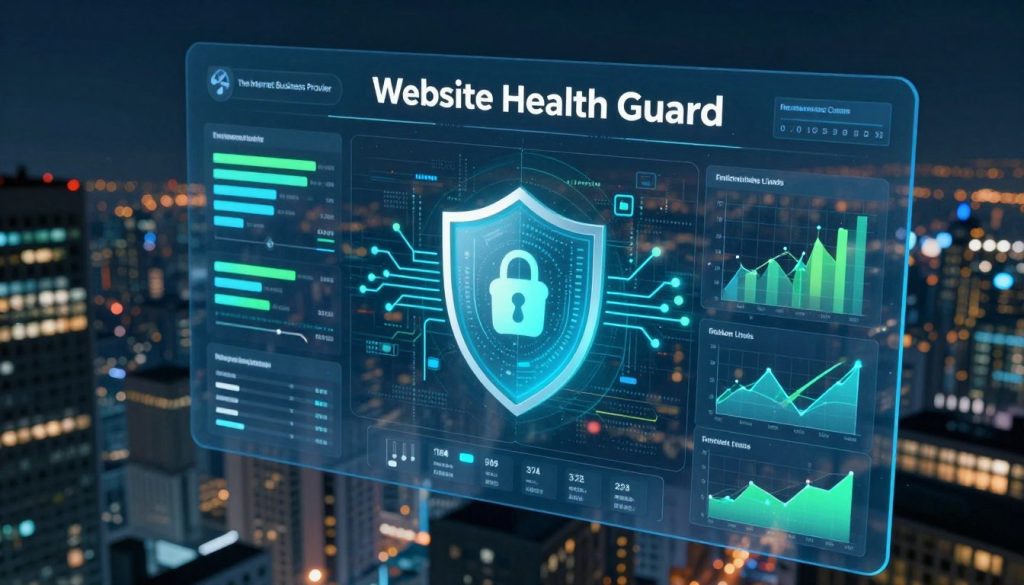
IBP’s “Website Health Guard” is changing how businesses take care of their websites. With the digital world always changing, it’s key to keep your site healthy and working well. This is vital for a strong online presence.
Comprehensive Link Scanning Technology
The “Website Health Guard” uses top-notch link scanning technology to find and fix broken links. This scan checks every link, giving you a full report on your site’s health.
Automated Repair and Redirect Systems
When broken links are found, the “Website Health Guard” automates the repair. It sets up the right redirects for a smooth user experience. This stops potential customers from hitting dead ends on your site.
Monthly Maintenance Reports and Insights
“Website Health Guard” keeps you updated with monthly maintenance reports. These reports show how your site is doing, pointing out what needs work and offering tips for improvement.
Performance Tracking Dashboard
The Performance Tracking Dashboard shows your site’s progress over time. It helps you see trends and make smart choices to keep your site healthy.
Improvement Recommendations
Based on the data, “Website Health Guard” gives custom improvement tips. These suggestions help you make your site better, improve user experience, and boost your business.
With IBP’s “Website Health Guard,” businesses can keep their site strong and effective. This leads to more engagement, conversions, and less risk of broken links and lost chances.
The “Ghost Scan”: Discover What’s Broken Before Customers Do
Find hidden problems on your website with our ‘Ghost Scan,’ a free diagnostic tool. It’s a broken link checker that scans your site for issues. These problems can cost you sales, harm your reputation, and affect your search rankings.
How the Free Diagnostic Tool Works
The ‘Ghost Scan’ uses advanced tech to explore your website. It finds broken links and technical issues. You get a detailed report on your website’s health.
Understanding Your Ghost Scan Results
After the scan, you’ll get a report with important issues. It will show:
- A list of broken links and where they are
- Steps to fix these problems
- Tasks to do first based on how serious they are
Taking Action on Critical Issues
With the ‘Ghost Scan’ insights, you can fix broken links and improve your site. Click here to run a free ‘Ghost Scan’ on your site and find out what’s broken.
Conclusion: Don’t Let Link Rot Haunt Your Digital Presence
Having a solid website maintenance plan is key to avoiding broken links’ harm. It keeps your digital presence strong. Regular checks and fixes of broken links make sure users have a smooth experience. This stops lost sales and saves marketing money.
Link rot can really hurt your website’s performance and your business’s profits. A well-kept website also boosts your search engine rankings. Google looks at site quality, including link integrity, when ranking sites.
To protect your online space, think about a detailed website maintenance plan. This should include regular link audits and fixes. Being proactive against link rot keeps you competitive online.
By managing your website’s health, you ensure visitors have a good time. This drives business growth and keeps your brand’s reputation safe. Check your website’s current state and find ways to improve it for a strong online presence.
