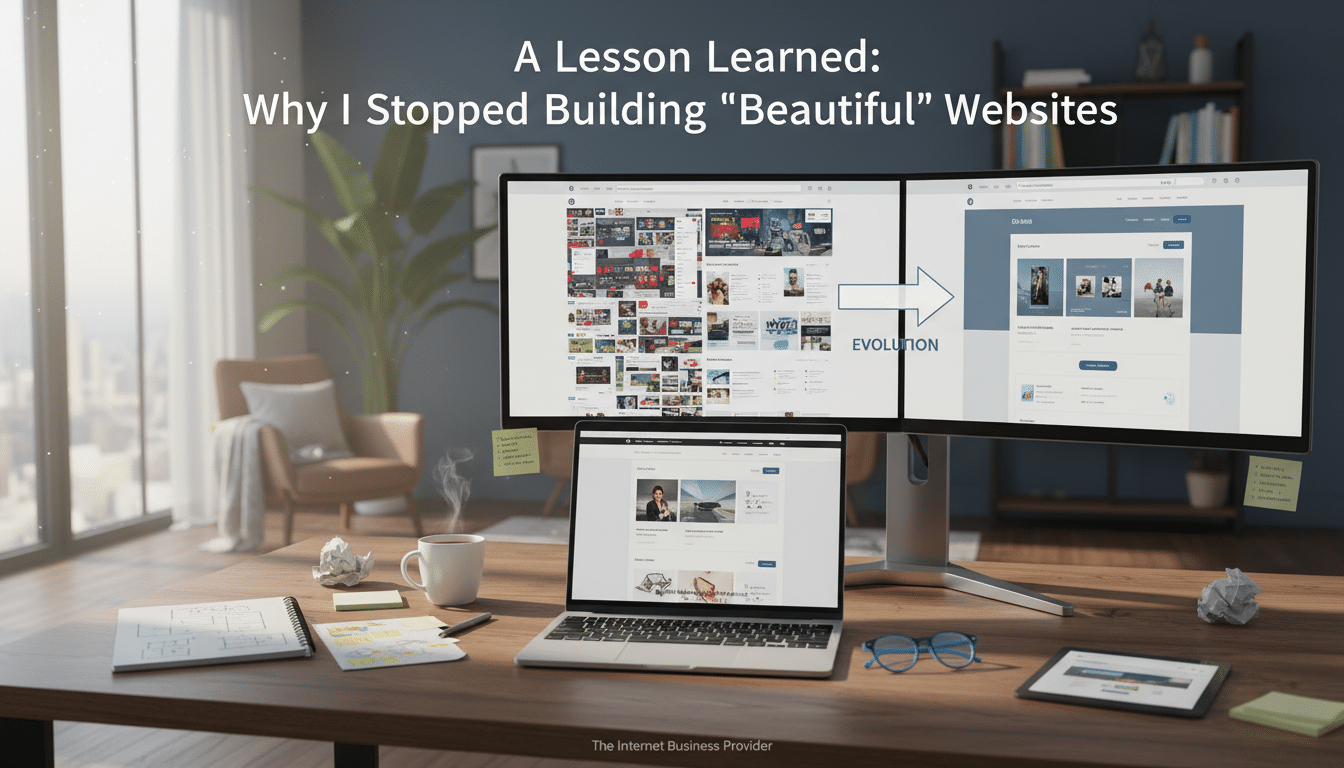
I realized I was doing my clients a huge disservice. For years, I made websites that looked amazing but didn’t help their business grow. They didn’t capture leads either.
It was tough to admit, but the work was top-notch. The colors were vibrant, the layouts were neat, and everything worked smoothly. Photos were sharp and menus were easy to use.
But, when it came to growing their business, the results were often silent. A site might get praise but feel like a digital brochure. People would glance at it and then forget.
The turning point was when I started listening to what wasn’t being said. Owners weren’t looking for more “wow.” They wanted to know why their phone wasn’t ringing and why they weren’t getting more leads.
This made me rethink website design. Beauty is important, but it’s not the main goal. The goal is to create momentum. This means clear offers, building trust, and making it easy for visitors to take action.
This lesson also led to a bigger change in my work. I started focusing more on systems than pages. I looked into automation, follow-up, and reducing missed revenue. This is because growing a small business doesn’t just happen by waiting for someone to come back.
Key Takeaways
- A lesson learned: a good-looking site can still fail to capture leads.
- Website design should guide visitors to one clear next step, not just impress them.
- Small business growth needs more than traffic; it needs traction and follow-through.
- Digital brochure sites often hide unclear messaging and weak offers.
- Lead capture and fast response matter as much as layout and color.
- Systems like automation can reduce missed revenue when you can’t reply right away.
The lesson learned that changed how I view website design
For a long time, I focused on what I could see when designing websites. I looked at spacing, color, typography, and polish. It felt safe and measurable.
This lesson didn’t come all at once. It grew in small moments, usually after launching a site. When the site looked great but the phone stayed quiet.
Why “looking good” became my default goal
“Better looking” is easy to sell and judge. A modern font or a fresh layout gets instant approval. But messaging and conversion don’t get the same reaction.
Clients would quickly approve visuals. So, I chased that approval. The work was busy, but the results were vague.
Where I realized I was letting clients down
Admitting that a polished site can still sit there doing nothing was hard. A launch isn’t a win if it doesn’t create calls, bookings, or replies.
I heard the same frustration from different clients. “We love it, but we’re not getting leads.” This gap made me rethink what I was delivering.
The moment I admitted the brochure-site mindset wasn’t working
The brochure-site mindset is simple. Post services, add an about page, list a phone number, and hope for the best. It informs, but it rarely guides.
Seeing this pattern, the need for a change was clear. The goal had to shift from “looks professional” to “drives action.” With clear calls-to-action, basic lead capture, and follow-up that doesn’t rely on luck.
| Common focus | What it tends to produce | What a visitor experiences |
|---|---|---|
| Visual polish as the main metric | Fast approval, unclear results | “Nice site” feeling without a clear next step |
| Brochure-site pages with light CTAs | Low inquiry volume, weak tracking | Scrolling, then leaving to “think about it” |
| Website design built around conversion paths | More form fills, calls, and booked times | One clear action, fewer decisions, less friction |
| Systems-first thinking tied to a business pivot | Consistent lead handling and faster response | Quick answers, guided steps, and follow-through |
Why beautiful websites don’t automatically drive small business growth
A nice homepage might look good. But real growth comes from clear offers, quick responses, and easy next steps. Good design is important, but it’s just part of the equation.
When a site focuses on looks, it might miss the mark. The best designs can’t fix unclear promises or hard-to-find contact info. That’s where smart automation comes in.
Traffic vs. traction: the difference most owners don’t get told
Traffic means people visit your site. Traction means they take action, like making a call or filling out a form. It’s about what happens after they click.
Many owners focus on visitors and rankings. But without a clear path to action, those numbers don’t lead to growth. Your site needs to guide visitors, not just welcome them.
| Metric you can see | What it really means | What to set up on the site |
|---|---|---|
| Page views | Curiosity, not intent | Clear service pages with one primary next step |
| Time on page | Interest or confusion | Short sections, scannable bullets, and direct FAQs |
| Contact form starts | People hesitate mid-way | Fewer fields, trust cues, and a plain promise of response time |
| Calls and bookings | True traction | Click-to-call, scheduling, and automation for instant confirmations |
Pretty pages can hide broken messaging and unclear offers
Great visuals can distract from a weak message. If visitors can’t understand what you offer, they’ll leave. Even if your site looks modern.
Watch for vague service labels and look-alike claims. Pages that don’t answer why you and why now are also a red flag. Clear messaging is key, not just good design.
- Positioning: one clear niche beats “we do it all”
- Offer: a specific outcome beats a long list of tasks
- Navigation: fewer choices beat a crowded menu
What happens when a site has no follow-up system
The quiet leak is the visit you never hear about. Someone might check your site after hours and leave. Another might choose the provider that responds first.
Automation can change the game without changing your day. Instant replies and lead capture turn “maybe later” into an open conversation. For local services, this speed can drive growth as much as any redesign.
Traditional website design vs. revenue-focused functionality
Traditional website design focuses on looks: big images, trendy fonts, and long pages. But, revenue-focused sites ask if visitors can take action quickly. This is crucial for small businesses that need steady calls and bookings.
For service businesses, a functional site is like a helpful front desk. It guides visitors to the right action fast, even if they land on a single page. It also sets up simple automation to keep leads moving, not stuck in an inbox.
What “functionality” really means for service businesses
A functional site cuts down on back-and-forth. It answers quick questions upfront and makes it easy to confirm fit. Think clear services, pricing, service areas, and a direct contact path.
It also respects how people browse. Many visitors skim and decide on their phone. If the site is hard to navigate, they’ll choose the next option.
Conversion basics: CTAs, forms, scheduling, and lead capture
Conversions aren’t mysterious. They come from making the next step easy and safe. Strong CTAs tell visitors exactly what happens next, like “Request a quote” or “Book a call.”
Forms should be light and easy. Ask only for what you need, then use automation to route leads and send confirmations. Scheduling tools help turn interest into a scheduled time.
- One primary CTA per page, repeated in predictable spots
- Short forms with clear error messages and a friendly confirmation screen
- Click-to-call on mobile so a tap becomes a conversation
- Lead capture that triggers a fast reply, not a dead end
Speed, mobile UX, and trust signals that impact real results
Speed matters a lot. Slow pages make visitors think the business is slow. Clean code, compressed images, and fewer heavy add-ons help pages load fast, building trust and growth.
Mobile UX is also key. Buttons need space, text must be easy to read, and important info should be near the top. Services, location, hours, and contact options are essential.
Trust signals work quietly in the background. Real reviews, recognizable payment options, clear policies, and privacy cues make visitors feel safe sharing details.
| Focus Area | Traditional website design | Revenue-focused functionality |
|---|---|---|
| Primary goal | Impress with visuals and layout | Drive inquiries, bookings, and qualified leads |
| Calls to action | Generic buttons and scattered prompts | Specific CTAs that match intent and reduce hesitation |
| Lead handling | Form goes to an inbox and waits | automation routes, confirms, and sets expectations fast |
| Mobile experience | Desktop-first pages that shrink | Thumb-friendly layout with click-to-call and fast access |
| Trust building | Pretty design with limited proof | Visible reviews, service area clarity, and reliability cues |
AI Service Firm and Business Pivot

The turning point wasn’t about design trends. It was about a pattern: a site looked sharp, but the phone stayed quiet.
This is where an AI Service Firm and Business Pivot makes sense. It’s for service businesses needing results, not just looks.
What pushed the pivot from web design to automation
The problem wasn’t color, layout, or fonts. It was time and follow-through.
Small teams miss leads when busy. Without quick replies and clear tracking, even the best site can’t keep up.
This is why an ai service firm became key. It aims to reduce missed inquiries and make lead handling reliable.
The shift from building pages to building systems
A business pivot changes what’s delivered. It moves from “Here’s your homepage” to “Here’s the path a lead takes.”
This path includes capture, routing, quick answers, and scheduled next steps. It’s more about what happens after a visitor clicks.
In this pivot, the website still matters. But it’s part of a larger system, not the whole plan.
| Focus | Page-first approach | System-first approach |
|---|---|---|
| Main goal | Launch a clean, modern site | Turn inquiries into conversations and booked calls |
| Lead capture | Basic form with email notification | Forms, chat, and routing that reduce drop-off |
| Response speed | Depends on someone seeing the message | Instant replies and clear next steps, even after hours |
| Follow-up | Manual reminders, easy to forget | Automated sequences and task prompts that stay consistent |
| Visibility | Traffic stats, limited lead detail | Lead source tracking and simple pipeline status |
How this pivot better aligns with what small businesses actually need
Most owners don’t need more pages. They need dependable help that works when they can’t.
An ai service firm supports this need. It covers gaps like faster replies and fewer dropped leads.
This pivot is for service businesses wanting steady growth. It helps them grow without being glued to a phone all day.
How automation and AI chatbots fix the “missed revenue” problem
Missed revenue might seem small at first. It’s a late-night question, a half-done form, or an unreturned voicemail. Over time, these small gaps can slow down a small business’s growth.
With automation, your website becomes more than just a brochure. It acts like a reliable front desk. AI chatbots also keep leads moving, even when your team is busy or off work.
After-hours lead capture and instant responses
People shop for services at all hours, especially after work. If someone visits your site at 9:30 p.m. with a quick question, a fast answer can make all the difference.
Automation can greet visitors, answer common questions, and collect their contact info naturally. AI chatbots can also share next steps right away, so visitors don’t feel stuck or ignored.
Qualifying leads automatically without adding staff
Not every inquiry is a good fit, and sorting that out takes time. AI chatbots can ask basic questions up front, like what service is needed and the budget. This gives your team context, not guesswork.
The same automation can direct the conversation to the right place. This could be a booking link, a call request, or a message to the right inbox. This keeps response time tight and supports growth without adding to payroll.
Consistent follow-up that doesn’t depend on someone remembering
Most leads don’t die because they said “no.” They fade out because of forgotten follow-ups or unclear next steps.
Automation supports steady follow-up with confirmations, reminders, and simple check-ins. AI chatbots can also re-engage visitors who return later, keeping the process smooth and supporting growth through repeat business.
| Where revenue gets missed | What automation handles | How ai chatbots help | Why it supports small business growth |
|---|---|---|---|
| Late-night site visits with quick questions | Instant greeting, contact capture, and clear next steps | Answers FAQs in plain language and guides the visitor | Keeps warm leads from shopping around elsewhere |
| Unqualified leads taking up call time | Pre-screens inquiries and routes by service and area | Asks key questions and summarizes needs for your team | More time goes to high-intent prospects |
| Follow-ups forgotten after a busy day | Scheduled reminders, confirmations, and next-step messages | Re-engages returning visitors and restarts stalled chats | Creates a consistent pipeline instead of one-off wins |
What an AI service firm delivers beyond a website

A website might look great but still miss out on leads. A top-notch ai service firm focuses on the whole journey from the first click to a booked call. They use automation to keep the momentum going. Their goal is simple: fewer dropped conversations and faster next steps.
Automated lead-generation systems that connect to CRM and email/text
Real lead flow is more than just a contact form. With automation, your site, forms, and ai chatbots feed into one clean pipeline. This ensures every inquiry lands in the right place, like a CRM record or a timely reply.
Prospects get clear next steps instead of vague promises. An ai service firm can also route leads based on service type, location, or urgency. This way, the right person responds without digging through inboxes.
Appointment booking workflows that reduce friction
When someone is ready to book, extra steps can create doubt. Tight booking workflows use automation to keep scheduling fast. They have fewer fields, clear time options, instant confirmations, and simple reschedule paths.
ai chatbots can answer quick questions while the calendar is open. This helps people commit faster.
- Short forms that collect only what’s needed
- Smart confirmations by email/text with the right details
- Fallback paths when no times are available, so leads don’t vanish
Simple reporting that shows what’s working and what isn’t
Clear reporting keeps decisions grounded. A practical ai service firm tracks the basics that matter. They look at where leads came from, what they asked, how fast the first response went, and how often chats turned into bookings.
This makes it easier to improve messaging and follow-up without guessing.
| What gets measured | What you learn | What to adjust next |
|---|---|---|
| Lead source (search, ads, social, referrals) | Which channels bring serious inquiries | Shift budget and content toward higher-intent sources |
| Response time (minutes, not days) | Where automation is saving or losing attention | Tune ai chatbots, alerts, and routing rules for faster replies |
| Top questions asked in chat and forms | What prospects need before they book | Update FAQs, page copy, and chatbot prompts to match demand |
| Booking rate from each entry point | Which path converts best | Simplify steps, rewrite CTAs, and tighten scheduling options |
| No-show and reschedule patterns | Where follow-up breaks down | Improve reminders, confirmations, and pre-visit instructions |
A reflective Facebook-style story from Pete at The Internet Business Provider (IBP)
Networking group prompt: “A Lesson Learned.” This one hits close to home.
I’m Pete from The Internet Business Provider (IBP), and I want to share a lesson learned that changed how I work. For a long time, I chased “beautiful” sites because they were easy to show off.
Owning the mistake: building “pretty” while clients needed performance
I used to think a polished homepage meant progress. Clean layouts, sharp photos, smooth animations—everything looked right.
But here’s the hard part: a digital brochure doesn’t automatically equal sales. I watched too many client sites just sit there doing nothing, and I had to admit it did them a disservice.
That lesson learned wasn’t about design being “bad.” It was about me treating the website like the finish line instead of the starting point.
Reframing the goal: 24/7 “employees” instead of more web pages
At The Internet Business Provider (IBP), the shift started when I asked one simple question: “What happens after someone clicks?” If the answer was “not much,” we had a problem.
Small businesses don’t need more web pages. They need employees that work 24/7—systems that capture leads, answer basic questions, and guide people to the next step.
That’s what sparked my business pivot into an AI Service Firm. Instead of selling “more pages,” I began installing AI chatbots and automated lead-generation systems to help stop missed revenue.
| Old approach I relied on | What clients actually needed |
|---|---|
| “Pretty” pages built to impress | Clear offers that match what people search for |
| Contact form and hope | Fast response with lead capture and routing |
| One-time launch mindset | Ongoing tweaks based on real inquiries and calls |
| Traffic as the main win | Appointments, follow-ups, and measurable outcomes |
Keeping it human: lessons about listening, adjusting, and serving better
The biggest lesson learned in all this was to listen longer than I talk. Owners weren’t asking for “a nicer site.” They were asking why the phone wasn’t ringing.
I’m still proud of good design, but now I treat it like the front door—not the whole building. The business pivot was less about tech and more about serving better, with fewer assumptions.
Have you ever had to completely pivot your business model because the old way justwasn’t cutting it anymore? Let me know below!
Conclusion
The big lesson learned is simple: a “beautiful” site can still fail. If a page looks sharp but doesn’t guide people to call, book, or ask a question, it won’t move the business forward. Design without clear conversion paths can quietly slow small business growth.
For U.S. owners, the takeaway is practical. Put clarity first, then add fast load times, mobile-friendly layouts, and trust signals that reduce doubt. Most of all, build follow-up into the experience, so interest turns into real conversations and scheduled appointments.
That’s what drove the AI Service Firm and Business Pivot in this story. It wasn’t about chasing the newest tool or swapping art for code. It was about building working systems—lead capture, quick replies, and steady outreach—that serve customers even when the office is closed.
When you connect the dots, the lesson learned becomes a new standard: websites should earn their keep. Performance-focused functionality and smart automation support small business growth better than polish alone. And the AI Service Firm and Business Pivot is proof that changing course can be a way to serve clients with more care and better results.