
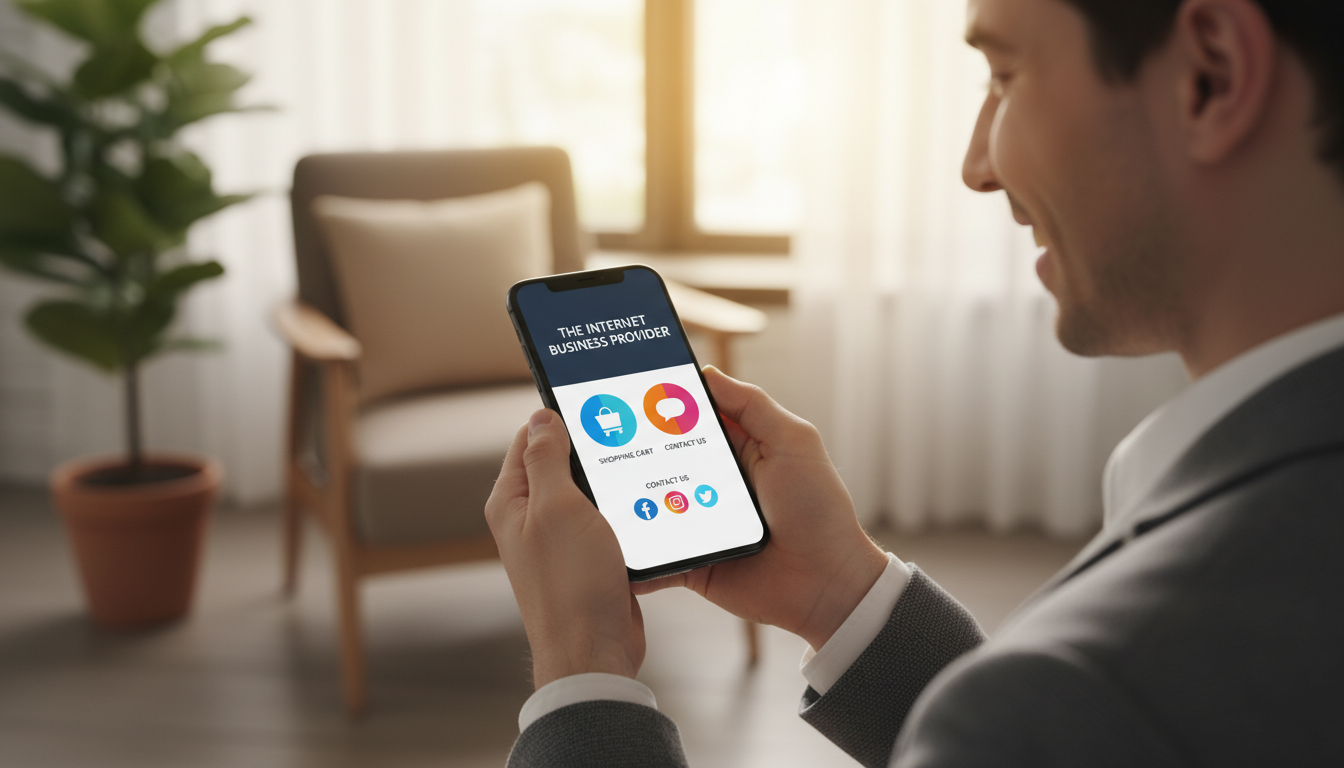
Take out your phone and check your website. Is it easy to use, or does it feel like a challenge? A lot of people now use mobile devices to access the internet. This means your business must be ready for most of your customers.
The Internet Business Provider provides mobile-first web design services. They help make sure your website works well on all devices. This way, your customers can have a smooth experience no matter what they’re using.
Key Takeaways
- A mobile-friendly website is crucial for businesses today.
- The majority of web traffic comes from mobile devices.
- The Internet Business Provider offers mobile-first web design services.
- A well-designed website can significantly enhance user experience.
- Optimizing your online presence is key to reaching more customers.
The Mobile Revolution: Why 70% of Web Traffic Now Happens on Smartphones
Smartphones have changed how we get information, making them the main source of web traffic. This big change means businesses must focus on mobile optimization to keep up.
The Shift from Desktop to Mobile: Statistics and Trends
More than 70% of web traffic now comes from smartphones. This change isn’t just for one group; it’s happening everywhere. As mobile devices get more common, how we use the internet is changing too.
Businesses need to make their websites mobile-friendly and work well on smartphone traffic.
Why Businesses Can’t Afford to Ignore Mobile Users
Businesses can’t ignore mobile users anymore. Most people use smartphones to visit websites. If a website doesn’t work well on mobile, it can lose customers and sales.
Also, search engines like Google favor websites that work well on mobile. So, mobile optimization is key to being seen and competitive online.
The “Pinch and Zoom” Problem: How Poor Mobile Design Drives Customers Away
A bad mobile website can make users unhappy and cause them to leave. This problem is called the “pinch and zoom” issue. Users have to zoom in and out because the site isn’t made for their device.
Common Mobile Design Mistakes Businesses Make
There are a few common mistakes that can ruin a mobile user’s experience. These include:
Text That’s Too Small to Read
When text is too small, it’s hard to read. This makes users frustrated and more likely to leave. It’s important to make sure text is easy to see on smaller screens.
Unclickable Elements and Navigation Issues
Small or crowded elements can be hard to tap. This makes navigation a problem. A good mobile site should have easy-to-use elements.
Forms That Frustrate Mobile Users
Long, complicated forms can stop users from finishing a transaction. It’s key to make forms simple and mobile-friendly.
| Design Mistake | Impact on User Experience |
|---|---|
| Small Text | Difficulty reading content |
| Unclickable Elements | Frustration with navigation |
| Complicated Forms | Abandonment of transactions |
The Real Cost of a Poor Mobile Experience
A bad mobile experience can hurt businesses a lot. Two big ways it does this are:
Bounce Rate Impact and Lost Conversions
A bad mobile site can lead to more people leaving and not buying.
“A study found that 61% of users are unlikely to return to a mobile site they had trouble accessing, and 40% will visit a competitor’s site instead.”
Damage to Brand Perception
A bad mobile site can also hurt how people see your brand. Users expect a smooth experience on all devices. Not getting this can damage your brand’s image.
Mobile-First Web Design Services: The IBP Approach
In today’s world, having a mobile-first web design is essential. IBP’s services help businesses keep up with the digital world. They focus on the growing number of mobile users.
Our “Thumb-Friendly” Design Philosophy
IBP knows a mobile-friendly site is more than just smaller screens. Our “Thumb-Friendly” design makes sites easy to use with one hand. This makes your site look good and work well, improving user experience and sales.
Our “Thumb-Friendly” design includes:
- Prominent Call-to-Actions (CTAs): Easy-to-find CTAs that get users involved.
- Simplified Navigation: Menus that are simple to use, helping users find what they need.
- Thumb-Reachable Buttons: Buttons and interactive parts are easy to reach, making the site better to use.
How We Transform Desktop-Only Sites into Mobile Powerhouses
Turning a desktop site into a mobile powerhouse needs to understand mobile users. IBP uses a smart design approach. This makes sure your site works great on mobile and all devices.
| Desktop-Only Features | Mobile-First Transformations |
|---|---|
| Complex Navigation Menus | Simplified, Intuitive Menus |
| Large, Non-Optimized Images | Compressed, Responsive Images |
| Limited CTAs | Prominent, Strategically-Placed CTAs |
Choosing IBP’s mobile-first design services boosts your online presence. It also improves user interaction and sales. Our focus on mobile seo and mobile-friendly sites keeps your business competitive in a mobile world.
User Experience (UX) Design Principles for Mobile Success
The move to mobile has made user experience design key for success. A good mobile UX is essential for keeping users in today’s fast-paced digital world.
Businesses aiming for mobile success need to focus on a few UX design principles. One of the most important is simplicity and focus.
Simplicity and Focus: Less is More on Mobile
Mobile screens are small, and users have less time to look. It’s crucial to make content simple and focus on the most important parts. This means cutting down on clutter, using clear language, and making sure calls-to-action stand out.
Intuitive Navigation Patterns That Convert
Good navigation is key for a great mobile UX. Users should find what they need fast and easy. Use well-known navigation patterns, like bottom bars or hamburger menus. Also, make sure buttons and links are easy to tap.
| UX Principle | Mobile Best Practice |
|---|---|
| Simplicity | Reduce clutter, focus on key elements |
| Intuitive Navigation | Use familiar patterns, ensure tappable elements |
Lightning-Fast Load Speeds: Why Every Millisecond Matters on Mobile
In today’s world, a website’s speed is key. People use their phones to access websites more than ever. A slow site frustrates users and hurts business.
Every millisecond counts for mobile load speeds. A one-second delay can lower conversions a lot. Mobile users expect quick access to info.
The Connection Between Load Speed and Bounce Rates
A slow site leads to high bounce rates. Google says 53% of mobile users leave if a site takes over three seconds. Fast load speeds are crucial for keeping users engaged.
“The faster your site loads, the better the user experience will be.” IBP focuses on fast mobile sites.
IBP’s Speed Optimization Techniques for Mobile Sites
IBP uses several methods to speed up mobile sites. These include:
- Image optimization and compression
- Code minification and browser caching
- Content Delivery Networks (CDNs)
Image Optimization and Compression
Optimizing images is key for faster pages. We compress images to reduce size without losing quality.
Code Minification and Browser Caching
Minifying code and using browser caching cuts down data transfer. This makes sites load faster.
Content Delivery Networks (CDNs)
CDNs spread content across locations. This reduces the distance to users, speeding up load times.
IBP’s techniques help businesses improve their mobile sites. This leads to better user experience and higher conversion rates.
Designing for Fat Fingers: The Art of Tappable Elements
Mobile web development keeps getting better. Designers now focus on making interfaces for “fat fingers.” This means creating elements that look good and are easy to tap, even with less precise fingers. This helps make mobile websites better for everyone.

Optimal Button Sizes and Spacing for Mobile Interfaces
Designing for “fat fingers” starts with the right button sizes and spacing. Studies show buttons should be at least 44×44 pixels. Also, buttons need enough space to avoid accidental taps.
Following these design rules makes mobile websites easier to use. This leads to a better experience for everyone.
Navigation Menus That Actually Work on Small Screens
Navigation menus on small screens are tricky. Designers use collapsible or hamburger menus to save space. It’s key that menu items are big enough to tap and easy to find.
Using these methods, businesses can make menus that work well on small screens. This improves the mobile user experience.
Sticky Headers and One-Tap Contact: Converting Visitors into Customers
Turning visitors into customers starts with a smooth mobile experience. Features like sticky headers and one-tap contact options make it easier. They improve user experience and boost conversions.
The Psychology Behind Easy-Access Contact Options
One-tap calls or emails meet our need for quick action. It’s easier to contact a business, leading to more conversions. This is because there’s less hassle, making it simpler to act.
Research shows clear contact info on websites encourages more interaction. Easy contact builds trust and boosts conversion chances.
How Sticky Elements Boost Conversion Rates
Sticky elements guide users through the buying process. They keep important info or actions always in view. For example, a sticky header with a clear call-to-action button can increase sales or form submissions.
- Sticky headers improve navigation and reduce friction
- One-tap contact options increase the likelihood of conversion
- Clear and accessible contact information builds trust with potential customers
Adding sticky headers and one-tap contact to mobile designs makes for a better user experience. This leads to more sales and a competitive edge.
Mobile SEO: Why Google Prioritizes Mobile-Friendly Websites
Google now focuses on mobile-friendly websites. This is because most people use smartphones to browse the web. Having a website that works well on mobile is key for staying visible online.
Google’s mobile-first indexing means that the search engine mainly uses the mobile version of a website for indexing and ranking. This change shows how people use the internet today. It favors websites that work well on mobile devices.

Google’s Mobile-First Indexing Explained
Google has switched from desktop-first to mobile-first indexing. Now, Google looks at the mobile version of a website first. This means websites need to have the same quality content on mobile as on desktop.
To meet this new standard, businesses should make their websites responsive. They should ensure all important content is the same on both mobile and desktop. This makes for a better user experience on all devices.
How Mobile Optimization Affects Your Search Rankings
Mobile optimization affects your search rankings. Websites not optimized for mobile may see their rankings drop. Google favors websites that are easy to use on mobile.
By focusing on mobile SEO, businesses can boost their search rankings. This leads to more website visitors and higher sales. It’s a smart move for any business looking to grow online.
Is Your Website Mobile-Ready? How to Check and What to Fix
Most people now use mobile devices to access the internet. Making sure your website works well on mobile is essential. A mobile-friendly site helps users, boosts search rankings, and drives business success.
To check if your site is mobile-ready, start with simple tools.
DIY Mobile-Readiness Assessment Tools
Google’s Mobile-Friendly Test and PageSpeed Insights are great for a quick check. They look at how your site performs on mobiles and suggest ways to improve.
- Google’s Mobile-Friendly Test: Checks if your website is mobile-friendly.
- PageSpeed Insights: Analyzes your website’s loading speed on mobile devices.
Common Red Flags That Signal Mobile Problems
Slow loading, non-responsive design, and hard navigation are big issues. These problems can push visitors away.
When to Seek Professional Help
If DIY tools show problems you can’t fix, or if your site needs a big update, get expert help. Experts in SEO for mobile websites can make your site mobile-friendly. This improves user experience and search rankings.
By following these steps, you can make your website mobile-friendly. This will give your visitors a better experience and boost your online presence.
Case Studies: Businesses That Transformed Their Results with Mobile-First Design
The move to mobile-first design has changed the game for many businesses. It has led to big improvements in conversion rates. By focusing on mobile usability, companies have seen more customer engagement and sales.
Local Business Success Story: Retail
A local retail store’s sales jumped by 30% after they redesigned their website for mobile. By making their site better for smartphone traffic, they reached more customers shopping on their phones.
Service Industry Transformation
A service-based business improved their online look by going mobile-first. This move led to a 25% increase in customer inquiries on their mobile site. It greatly helped their lead generation.
E-Commerce Conversion Rate Improvements
An e-commerce company saw a 40% boost in conversion rates with mobile-first design. They made their checkout easier and improved mobile use. This cut down cart abandonment and boosted sales.
These stories show the real benefits of mobile-first design. By focusing on mobile, businesses can improve online and grow.
Conclusion: Don’t Let Your 3-Inch Opportunity Slip Away
The mobile revolution is changing how businesses talk to customers. Most web traffic now comes from smartphones. It’s key that your business has a mobile-friendly website.
By focusing on mobile first, you make sure your site works well on the most used devices. This approach improves your online presence.
IBP, an internet business provider, offers top-notch mobile-first web design services. They help turn your desktop site into a mobile powerhouse. This boosts user experience, increases sales, and keeps you competitive.
Don’t let your business lag behind. Check if your website works well on mobile today. With the right mobile-first web design, you can unlock your website’s full potential and succeed in business.
